Skip to content

Christmas Sale · 75% off monitors for the first 100 customers

Shop offer
75% OFF

1 / 14

hypomonitor

Hypo Dual Monitor

Two 15.6" screens that unfold beside your laptop.

Christmas Bundle

Save 75% + get your carrying bag FREE. Added automatically, no code needed.

USD 39.99USD 159.99Save 75%
Model: 15.6" (Full HD)
Color: Spatial Grey

TotalUSD 39.99

Hypomonitor Laptop & Monitor Sleeve

Hypomonitor Laptop & Monitor Bag

Size 11" to 17" · matched to your monitor

US$20.00FREE — US$0.00

Included FREE with any monitor purchase. Automatically added to your cart.

1

Shipping calculated at checkout · Shipping · 30-day returns · Secure checkout by Shopify

What's included

Delivery times depend on your destination; applicable taxes are shown at checkout.

Questions before buying? Contact hypomonitor support.
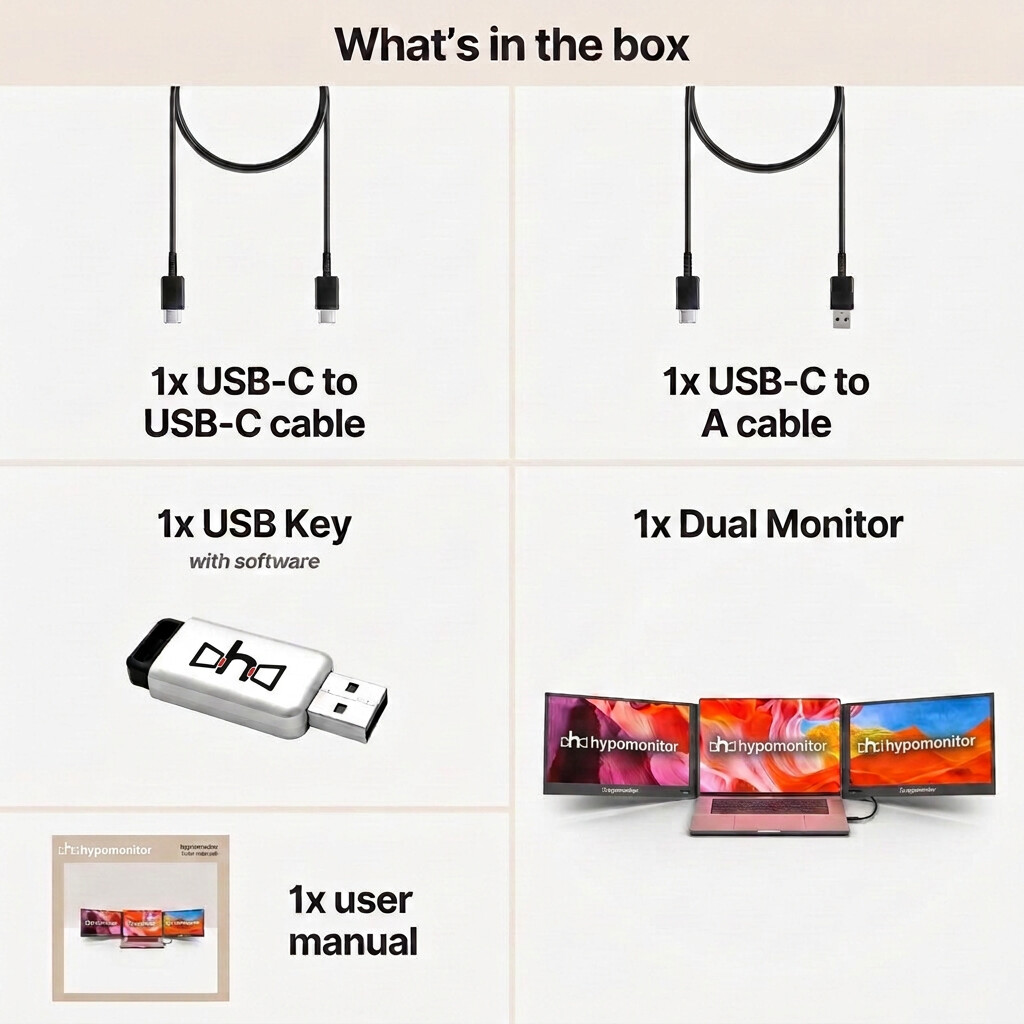
Hypo Dual Monitor box contents

What's included

Everything in your order

  • 1× Hypo Dual Monitor 15.6" (Gen 4)
  • 1× USB-C to USB-C cable
  • 1× USB-C to USB-A cable
  • 1× USB key with driver software
  • 1× user manual
  • 1× hypomonitor Laptop & Monitor Bag (11" to 17") — free with each monitor, added automatically

The laptop shown in photos is not included.

Your selection: 15.6" (Full HD) / Spatial Grey — USD 39.99. The same price and free bag appear in your cart and at checkout. Shipping and taxes are calculated at checkout.

How it works, step by step

Real photos of the Hypo Dual Monitor.

  1. Hypo Dual Monitor USB-C connection

    1.Connect

    Plug into your laptop's USB-C port with the included cable.

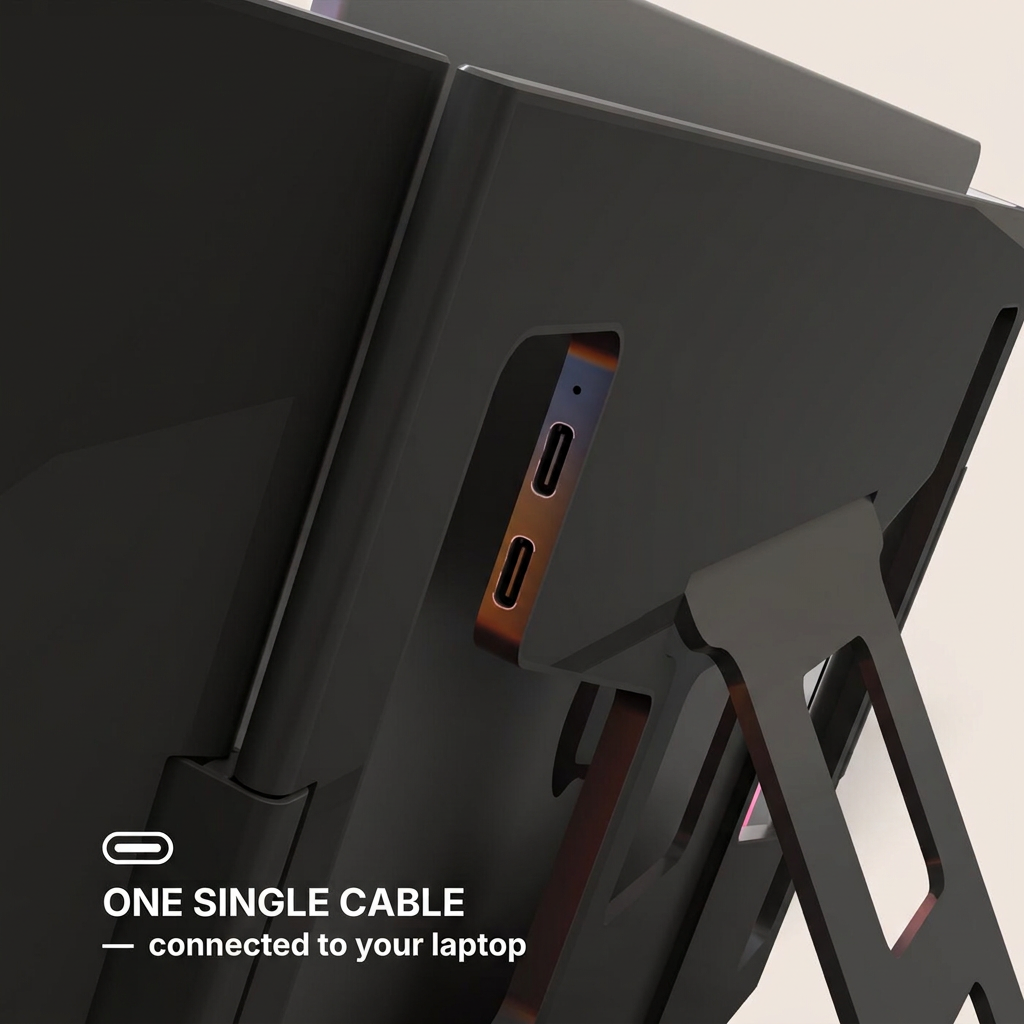
  2. Hypo Dual Monitor port layout

    2.Power & ports

    Close-up of the ports and the power connection.
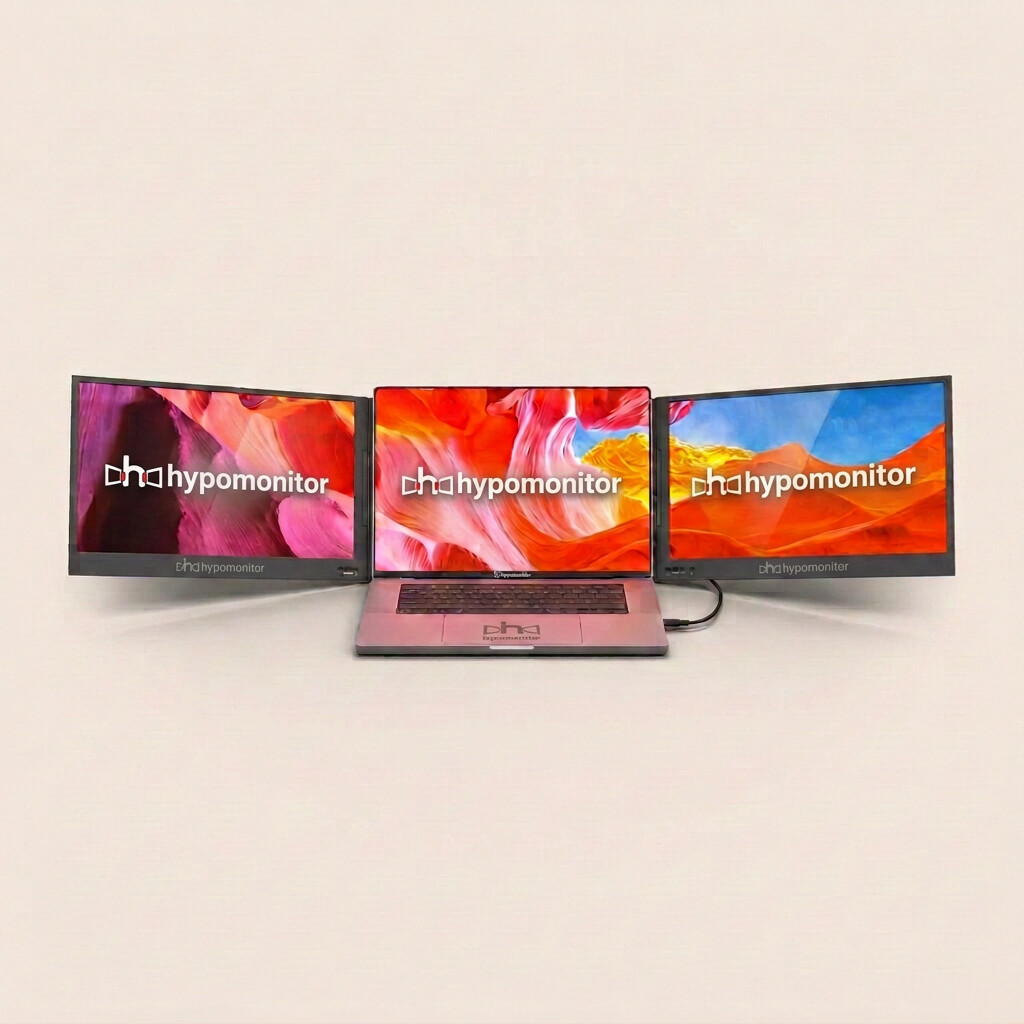
  3. Hypo Dual Monitor panoramic mode

    3.Work

    One screen on each side of your laptop for a wide, centred workspace.

  4. Hypo Dual Monitor Full HD IPS screens

    4.Screen close-up

    Matte IPS panel for everyday reading.
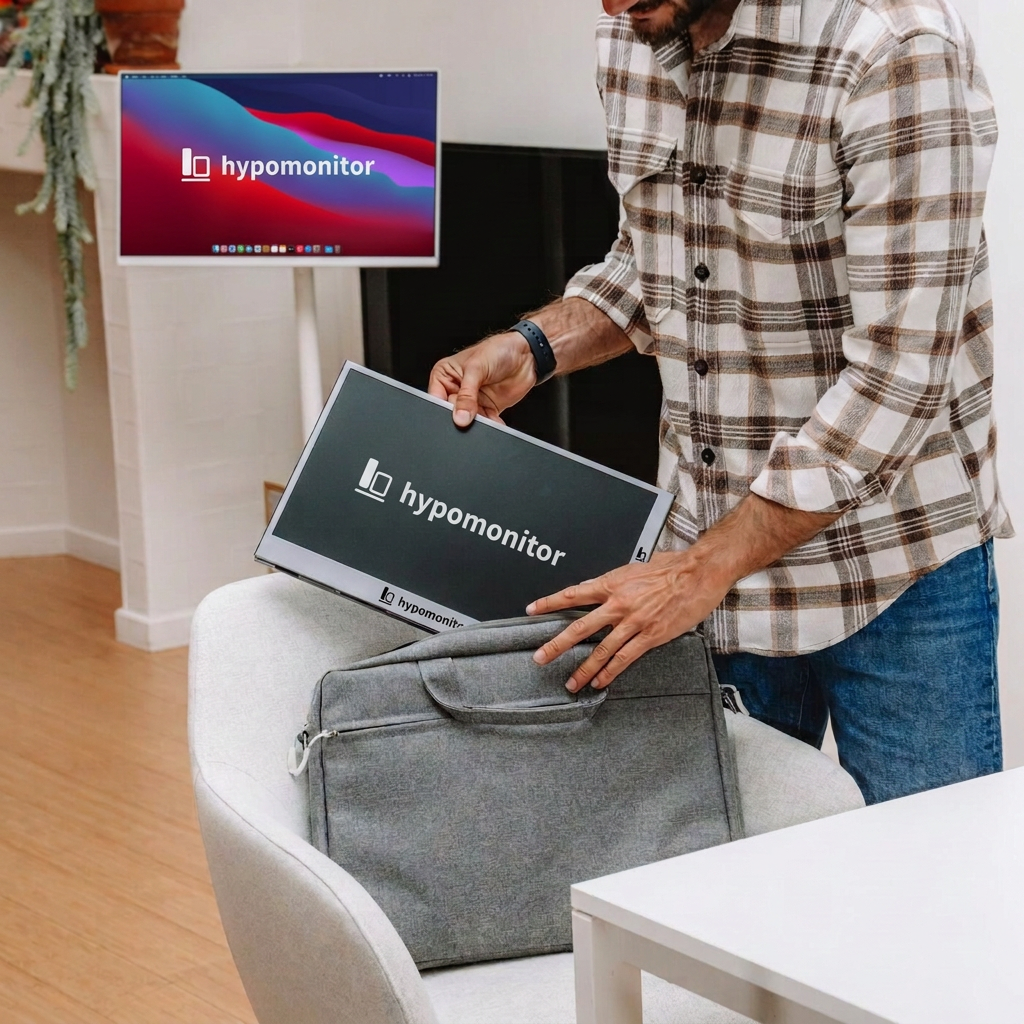
  5. Hypo Dual Monitor packed into a bag

    5.Fold & pack

    Screens fold flat to travel beside your laptop.

  6. Hypo Dual Monitor box contents

    6.What's included

    Everything that ships in the box.

The same task, two ways

Illustration of window layout. Screen count matches this model; your apps may differ.

Document + tabs
Laptop alone: one screen, switching between tabs
Research
Document
Email
With Hypo Dual Monitor: 3 screens, everything visible
Hypo Dual Monitor in a home office

Work

Keep email open while you write and review.
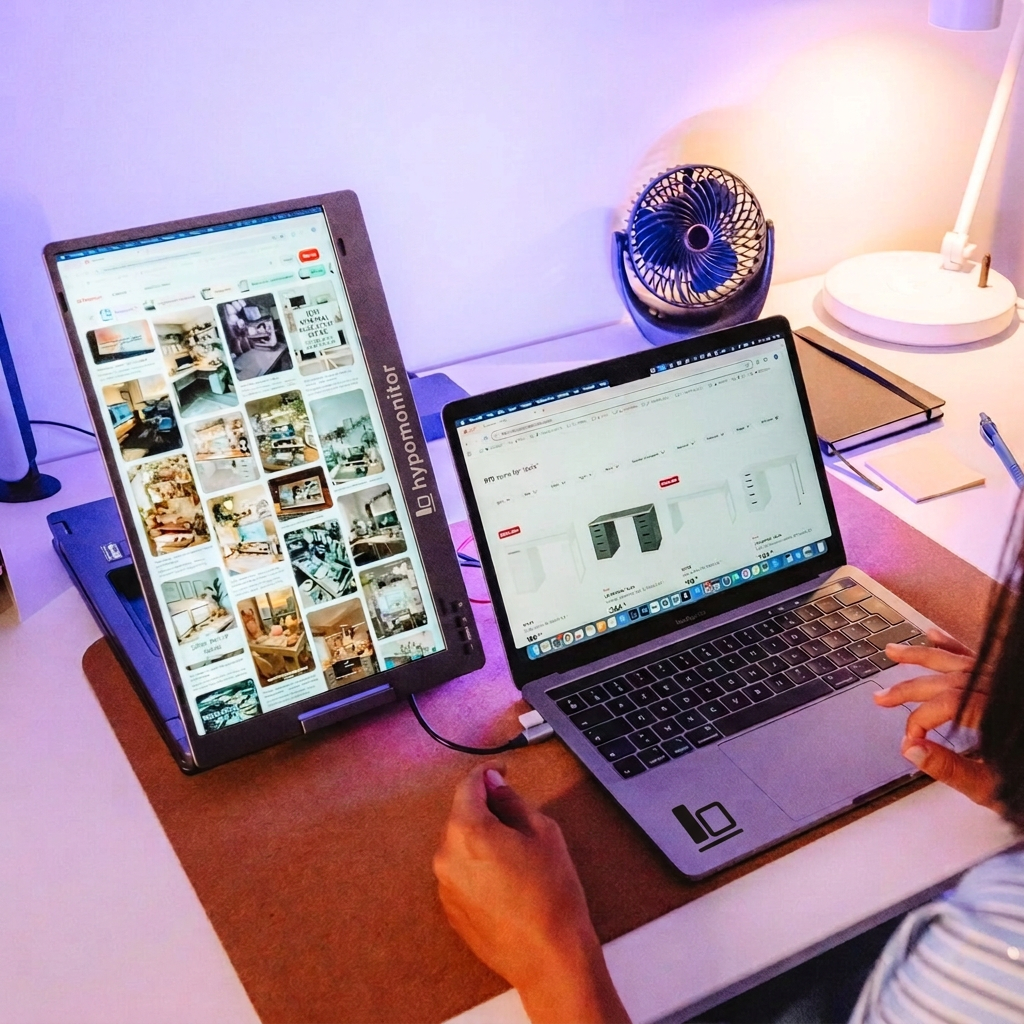
Hypo Dual Monitor at a desk

Study

Sources on one screen, notes on another.
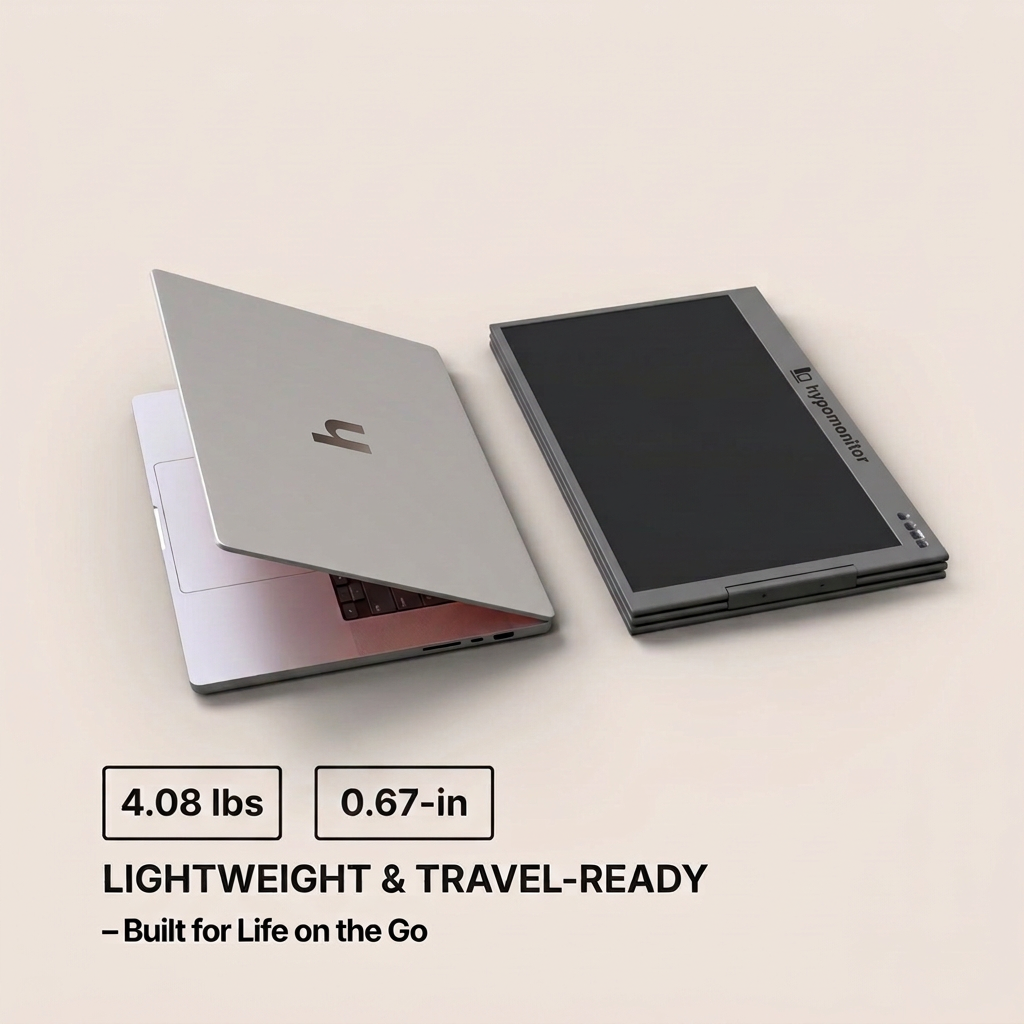
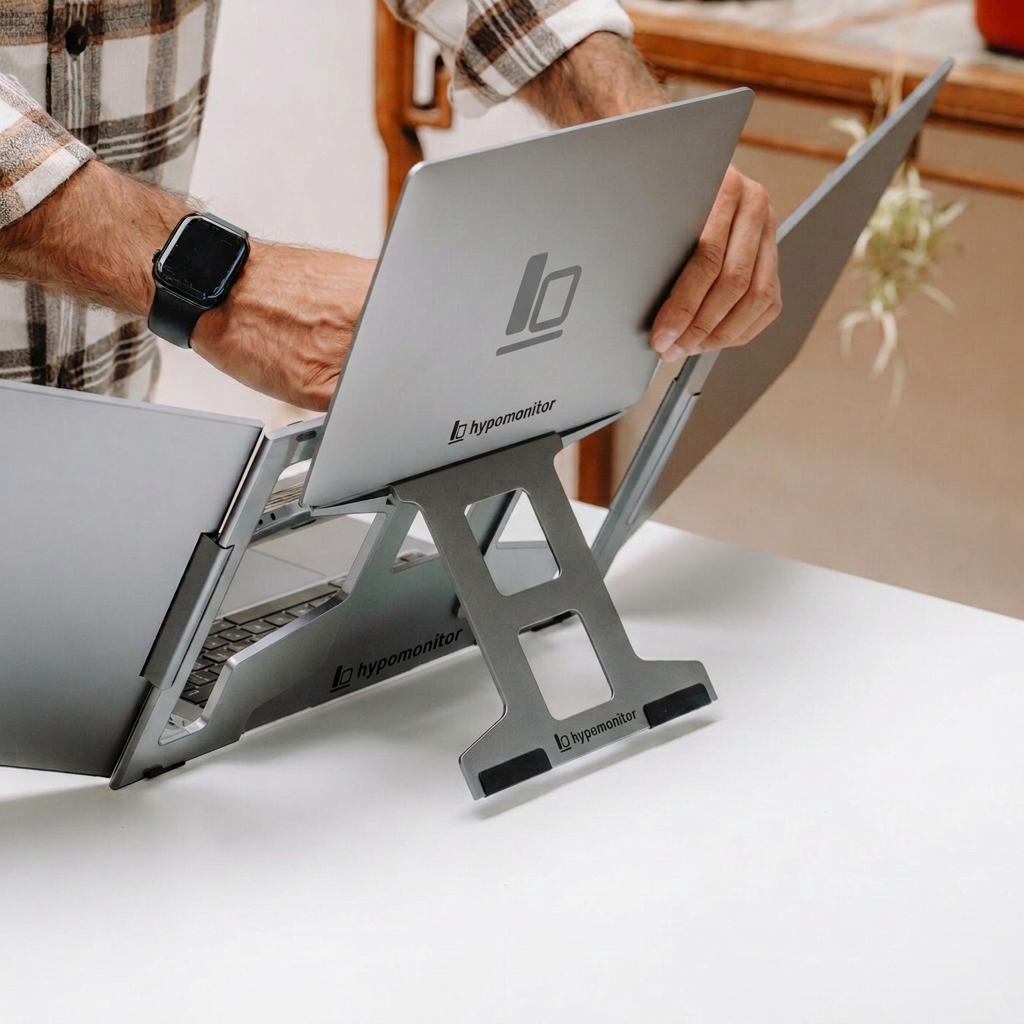
Hypo Dual Monitor folded beside a laptop

Travel

Folds flat to pack beside your laptop.

Display quality

Clear, matte, easy on the eyes.

Each external screen is an anti-glare IPS panel with 320 nits brightness, 1200:1 contrast and 16.7 million colours, 72% NTSC.
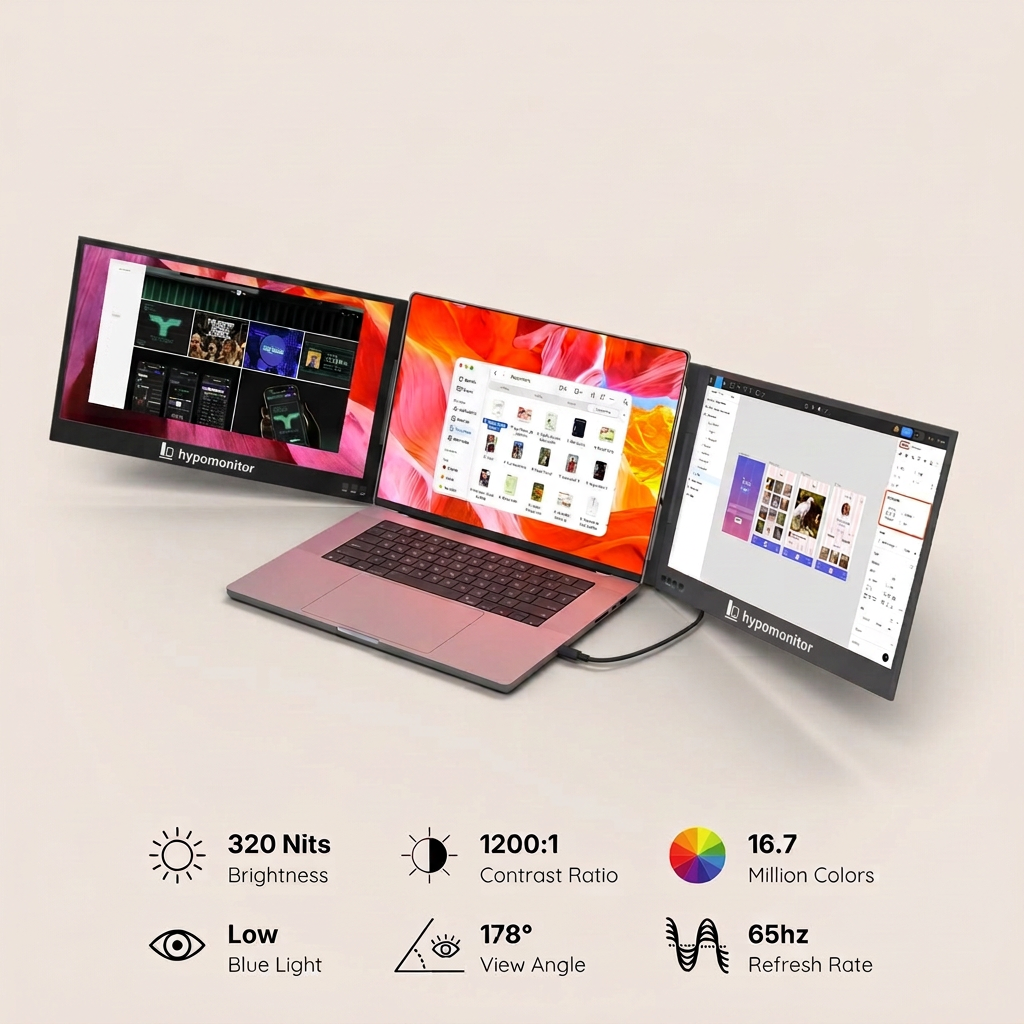
Resolution
1920 × 1080 Full HD
Brightness
320 nits
Refresh
65 Hz
Viewing angle
178°
Hypo Dual Monitor 320 nits, 1200:1 contrast, 65 HzHypo Dual Monitor Full HD IPS screens
Hypo Dual Monitor folded beside a laptopHypo Dual Monitor packed into a bag

Portability & construction

Folds flat. Travels with you.

Aluminium and composite construction with a built-in adjustable kickstand. Weight: 4.08 lb / 1.85 kg. Folded: 0.67 in thick when closed.

Viewing configurations

One setup, many ways to work.

Hypo Dual Monitor panoramic mode

Panoramic

One screen on each side of your laptop for a wide, centred workspace.
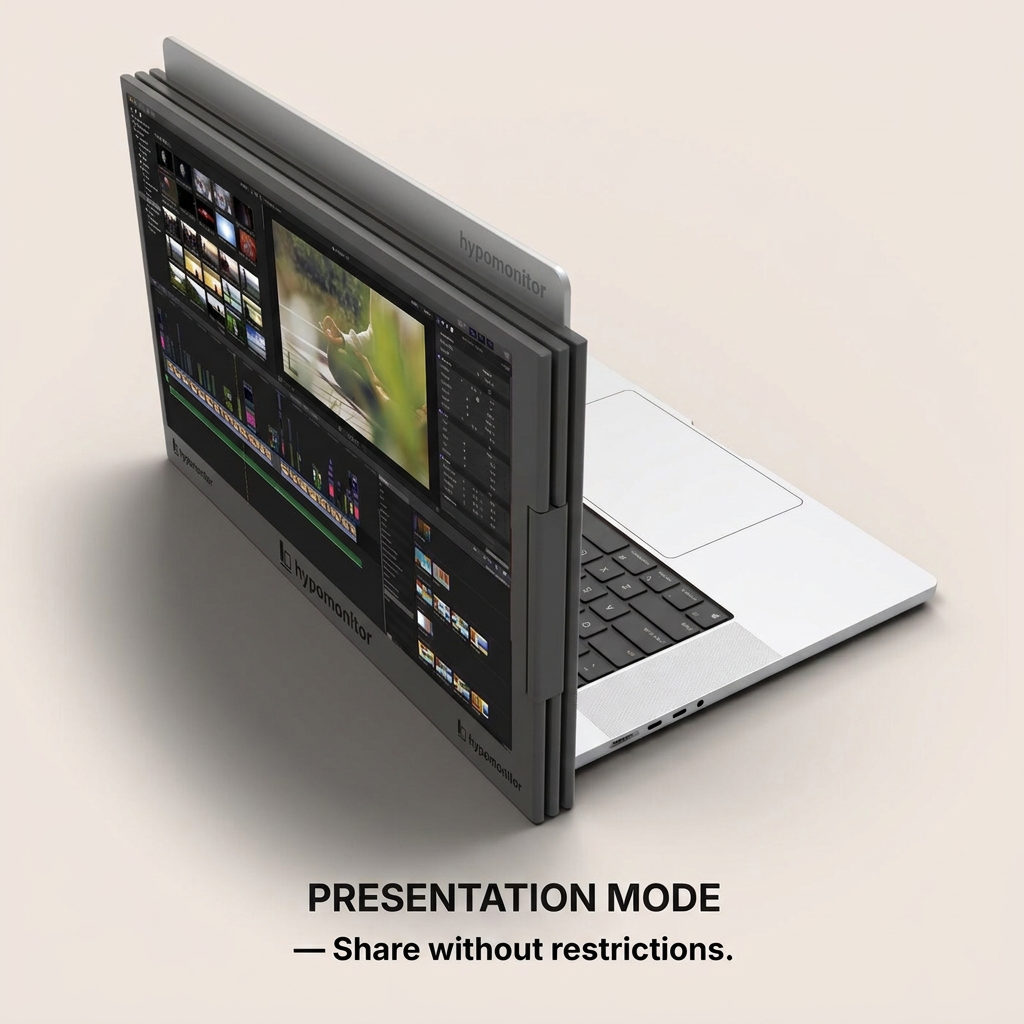
Hypo Dual Monitor presentation mode

Presentation

Turn a screen to face the person across from you.
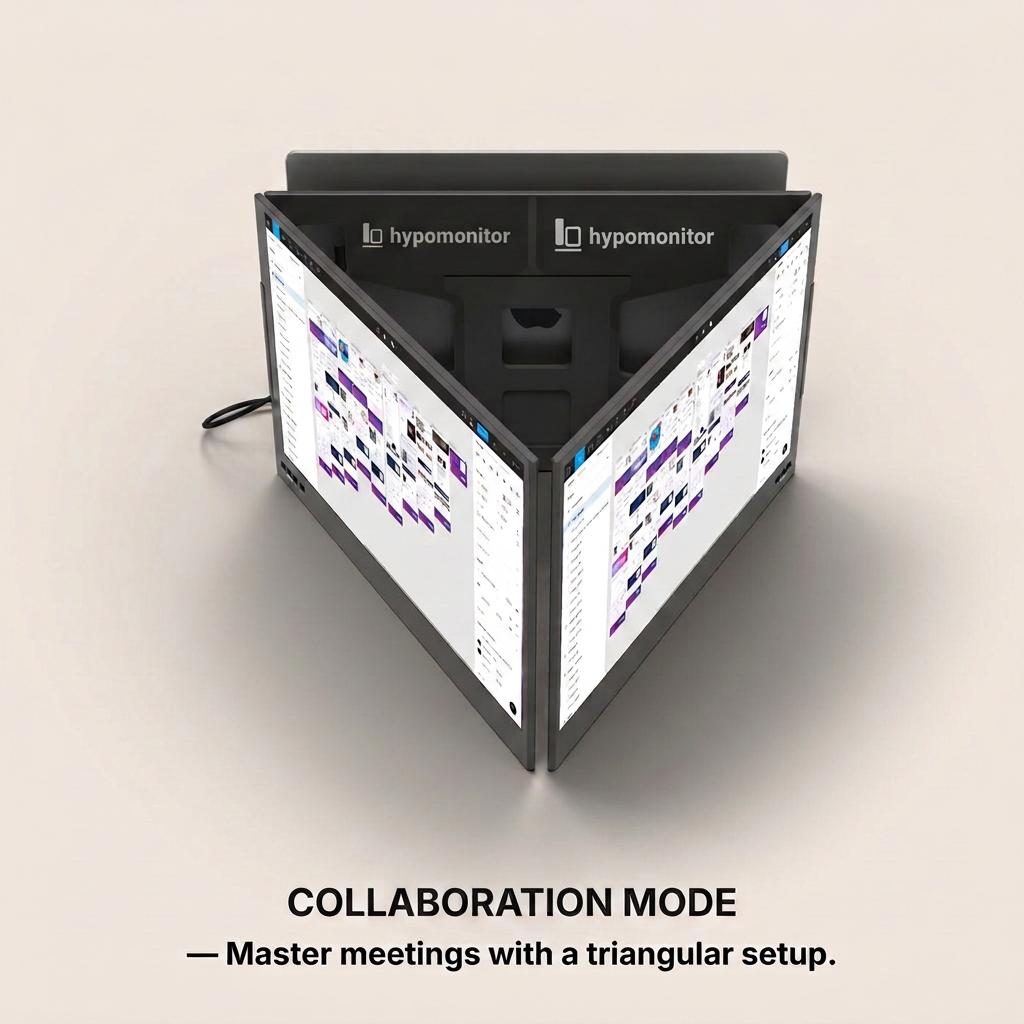
Hypo Dual Monitor collaboration mode

Collaboration

Fold into a triangle so others can follow along.
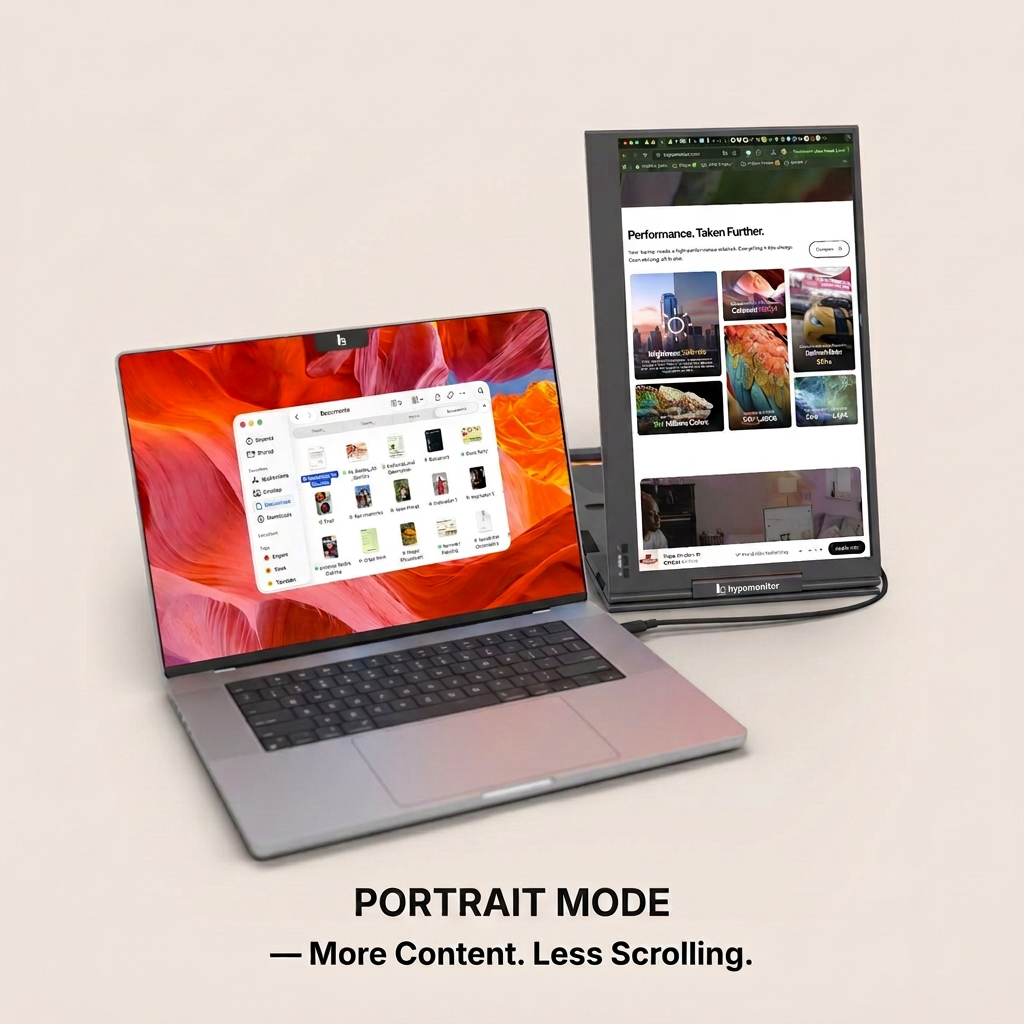
Hypo Dual Monitor portrait mode

Portrait

Rotate for documents, code and feeds with less scrolling.
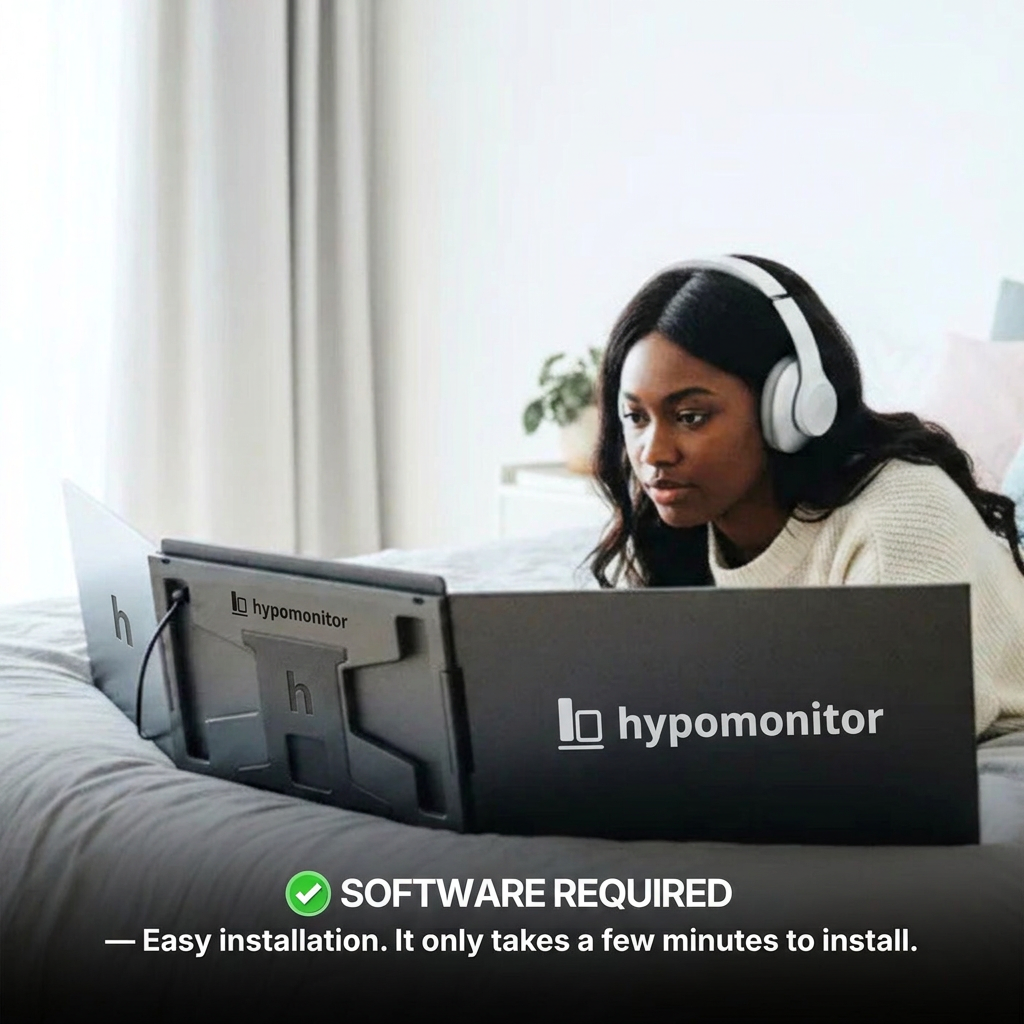
Hypo Dual Monitor driver installation

Setup

Install the driver, then plug in.

  1. 1Install the required driver: Driver installation required (supplied on the included USB key). It is supplied on the included USB key.
  2. 2Connect the USB-C cable from the monitor to your laptop. If your port can't supply enough power, add the second cable to a USB 3.0 port.
  3. 3Unfold the screens and adjust the kickstand.
  4. 4Arrange the displays in your operating system's display settings.

Work or school computer?

Installing drivers may require administrator rights. Check with your IT team before buying.

Connectivity & compatibility

How it connects.

Connections

  • 2× USB-C
  • One USB-C port required on your laptop (data and power)
  • Can also work with two USB 3.0 ports

Power

Powered over the USB-C connection; no external power supply included.

Operating systems

  • macOS 10.10 and later (Intel and Apple M1 to M5 series)
  • Windows 8.1, 10, 11
  • Android 7.1+ (USB-C with video output)
  • Ubuntu 20.04, 22.04, 24.04

Compatibility depends on your laptop's ports and permission to install drivers. Read the guide or ask us to confirm.
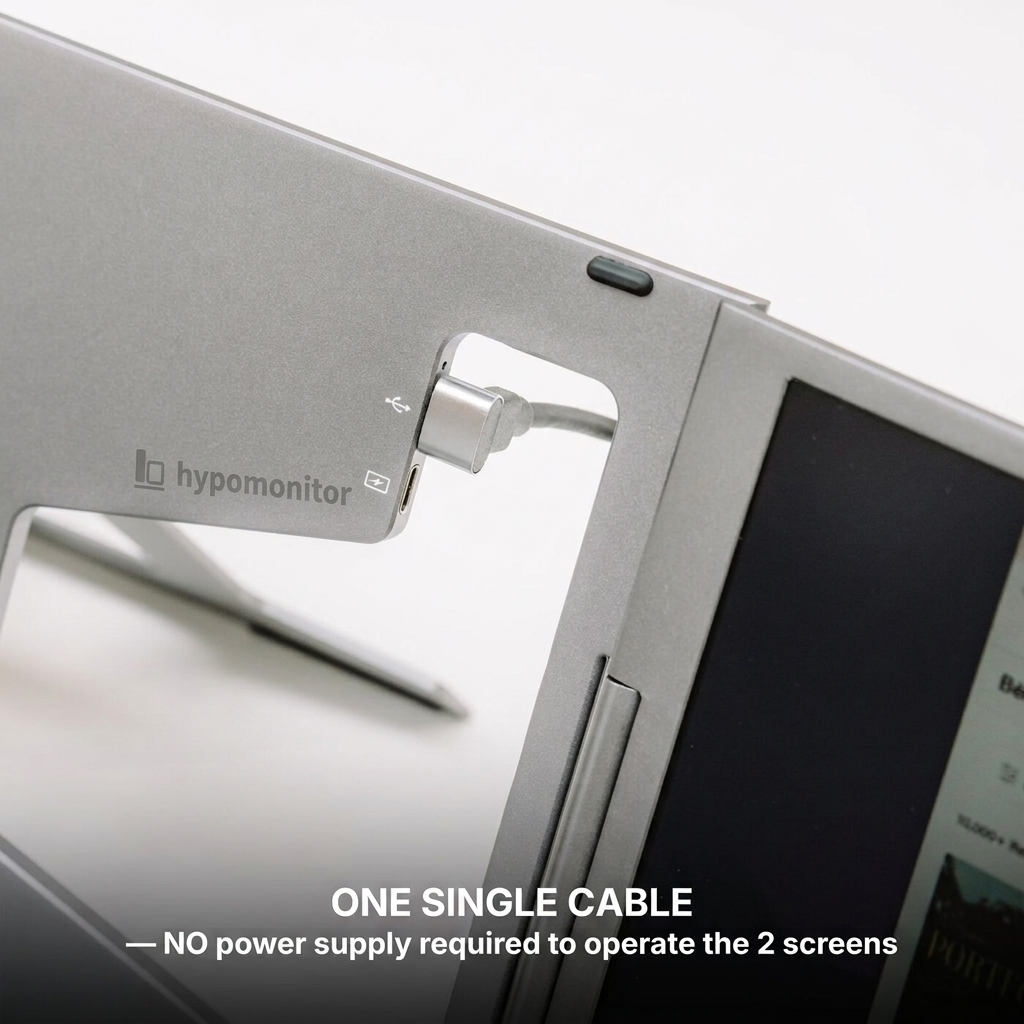
Hypo Dual Monitor USB-C connectionHypo Dual Monitor cable connection to the screensHypo Dual Monitor port layout

In the box

What's included.

  • 1× Hypo Dual Monitor 15.6" (Gen 4)
  • 1× USB-C to USB-C cable
  • 1× USB-C to USB-A cable
  • 1× USB key with driver software
  • 1× user manual
Hypo Dual Monitor box contents
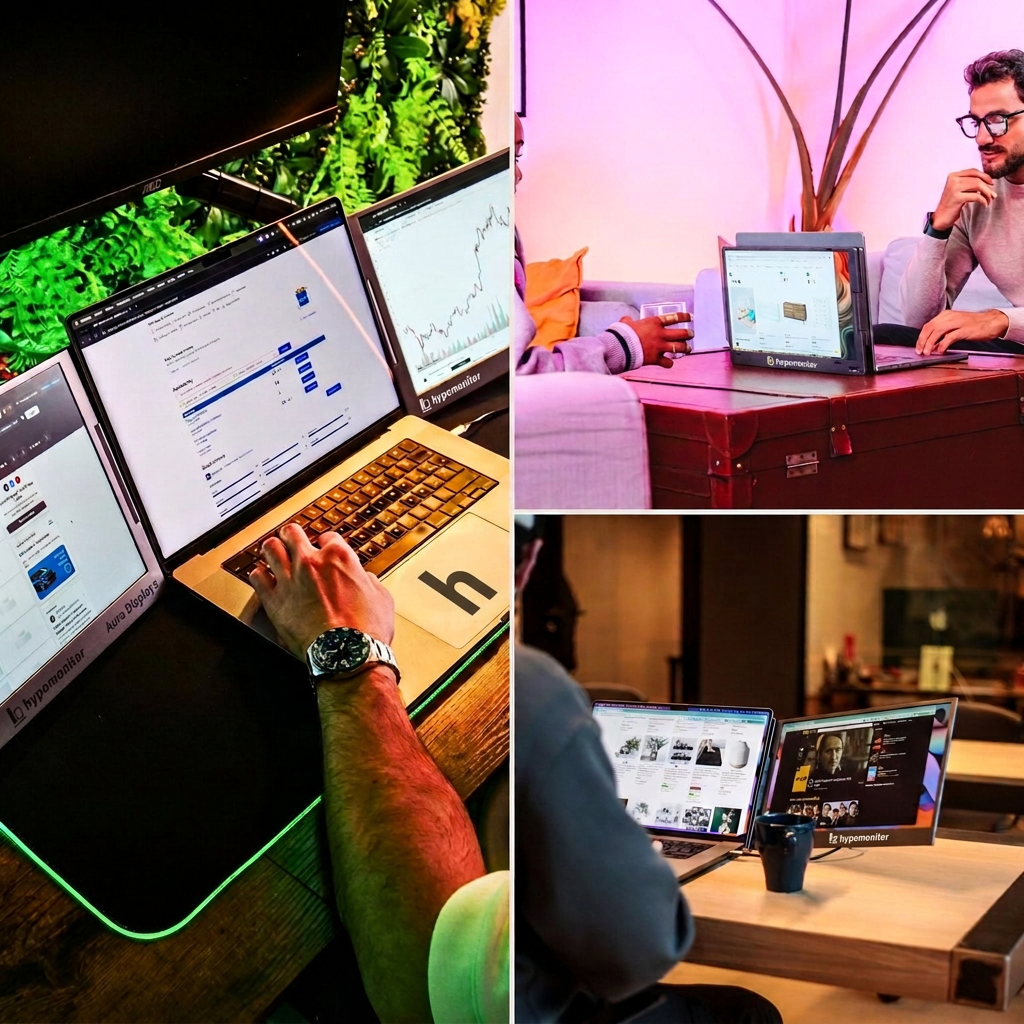
Hypo Dual Monitor at a deskHypo Dual Monitor in a home officeHypo Dual Monitor in different spacesHypo Dual Monitor being adjusted

Full specifications

Showing: 15.6" (Full HD)

External screens
2× 15.6"
Resolution
1920 × 1080 Full HD
Aspect ratio
16:9
Brightness
320 nits
Contrast
1200:1
Panel
LED IPS, matte anti-glare
Colour
16.7 million colours, 72% NTSC
Refresh rate
65 Hz
Viewing angle
178°
Materials
Aluminium and composite
Ports
2× USB-C
Power
Powered over the USB-C connection; no external power supply included
Speakers
No
Battery
No built-in battery
Weight
4.08 lb / 1.85 kg
Size unfolded
14.68 × 8.99 × 0.67 in (373 × 228.5 × 17.1 mm)
Size folded
0.67 in thick when closed
Laptop match
12" to 17.3" laptops
Driver
Driver installation required (supplied on the included USB key)
Display modes
Panoramic, Triangle (meeting), Rotated 180°, Portrait
Certifications
CE, FCC, RoHS, Energy Label (A)

Questions

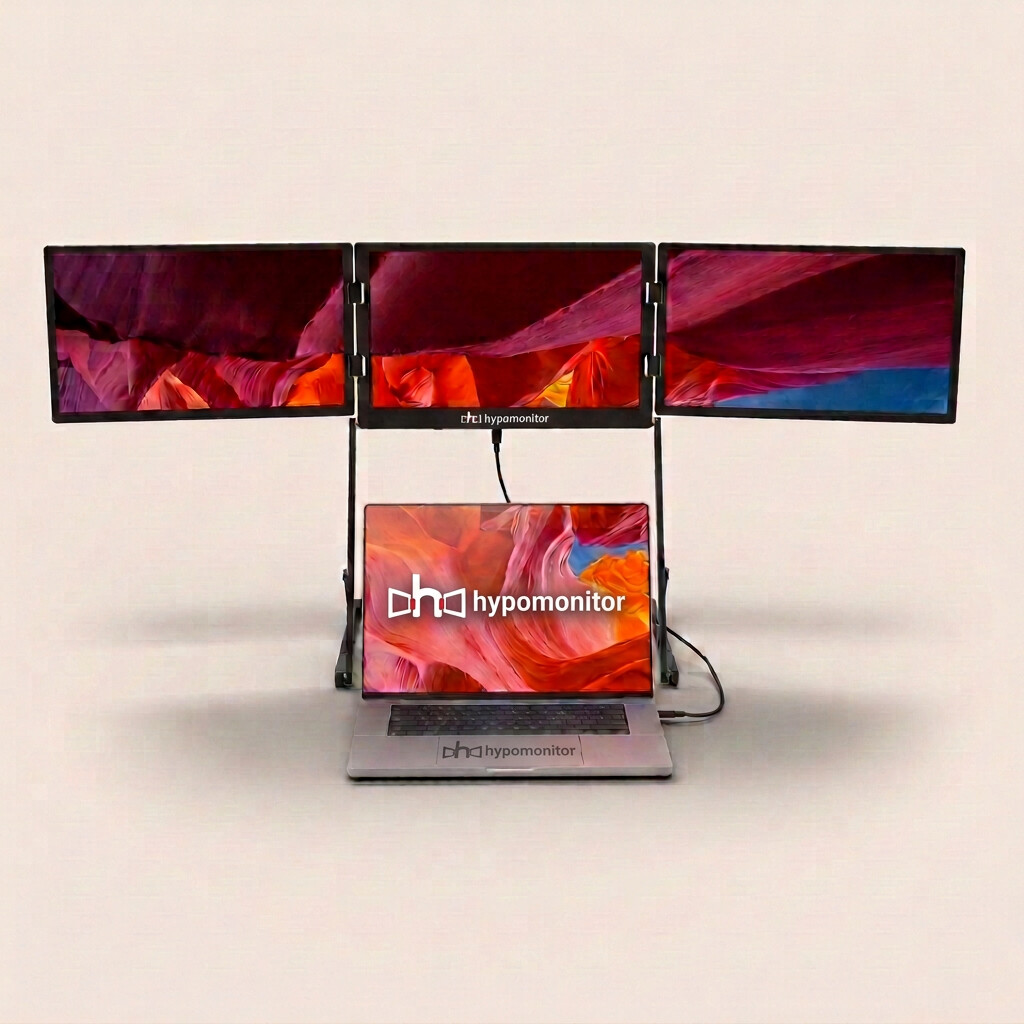
Want even more screen space?

The Triple Monitor adds three screens above your laptop, powered by an included power supply.